Why Choose the BDCrown App?
Smartphones are now a central part of everyday life — checking bKash in the morning, watching YouTube on the commute, following cricket scores at night. It all happens on your phone. BDCrown The app gives you exactly that — the full BDCrown platform in your pocket, whenever and wherever you want.
Most people don't notice the difference between playing in a browser versus an app — until they try the app. BDCrown loads fast, the interface is clean, and it runs smoothly on everyday 4G networks in Bangladesh. Even on 3G or slower connections, the core features stay fully functional.

One of the biggest advantages of the BDCrown app is push notifications. Whether a cricket match is about to start, a bonus offer drops, or your withdrawal goes through — you'll get an instant alert on your phone. No need to keep refreshing the website.
You can log in to the app using your fingerprint or Face ID — no need to type your password every time. One tap and you're straight to your dashboard. BDCrown is built to feel as natural on mobile as Bangladeshis already do.

Download the Android APK — No Google Play Required
Online gaming apps aren't always easy to find on Google Play in Bangladesh. That's why BDCrown offers a direct APK download. Simply enable "Unknown Sources" or "Install Unknown Apps" in your phone's settings, then download and install the APK from the BDCrown website. The whole process takes under 3 minutes.
The app is completely virus-free and safe to use. Every new version goes through a third-party security audit before release. BDCrown never accesses your personal data — photos, contacts, or messages. Only the permissions strictly necessary for the app to function are requested.
IPhone and iPad users can use BDCrown's mobile web version or download it from the App Store. Simply open bdcrown.best in Safari and tap "Add to Home Screen" for a full app-like experience.
App vs. Website — Which Is Better?
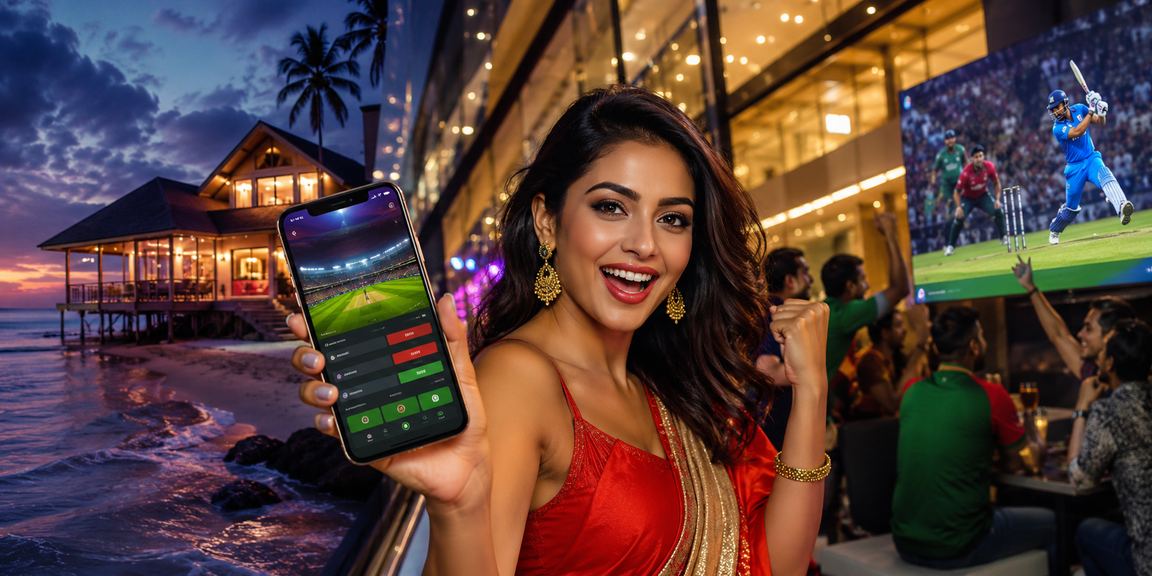
BDCrown's website is great — but the app offers a few things a browser simply can't match. Push notifications, fingerprint login, offline caching (so previous scores and data load faster), and a direct icon on your home screen are exclusive to the app. For anyone who uses BDCrown regularly, downloading the app is the smarter move.
Depositing via bKash or Nagad through the app is seamless — one tap takes you directly to the bKash app. Once the payment is complete, you're automatically returned to BDCrown and your balance updates instantly. This one-tap payment feature was built with the Bangladeshi user in mind.

App Updates & What's Coming Next
The BDCrown team regularly releases app updates with new features and bug fixes. User feedback from Bangladesh is collected before every update. Coming soon: a live streaming feature built directly into the app, so you can watch cricket matches and place bets at the same time. Keep notifications enabled to be the first to know about new updates.
System Requirements
-
Android
Android 5.0+ | Minimum 1GB RAM -
iOS
iOS 12.0+ | iPhone 6s or later -
Storage
Only 24 MB of storage needed -
Internet
3G/4G or WiFi is enough
User Reviews
"The app is genuinely great. Paying via bKash takes just two taps."
"I always get cricket match notifications on time — I never miss a thing."
"Logging in with a fingerprint — that's a real game changer."
Need Help?
If you run into any issues installing the app, our Bangla-speaking support team is available 24/7 to help.
Live Chat